One app for watching, casting and more.
A closer look at what makes CobraTV Pro a complete living-room experience — from the way it plays your media to the hub of extras built right in.
Your Live, Movies and Series — done properly
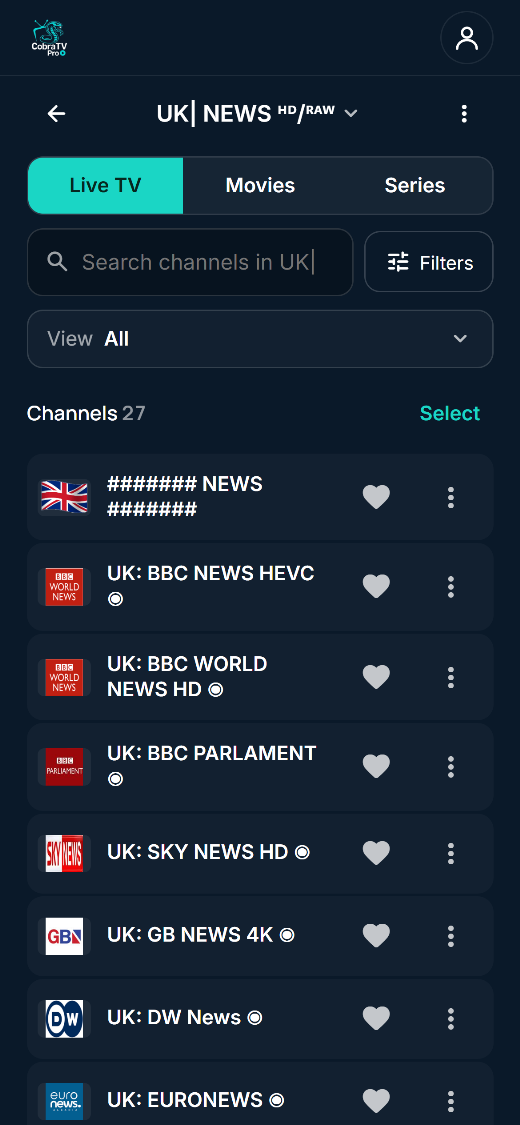
Add your own playlists or files and CobraTV Pro turns them into a tidy, browsable library that feels like a real smart-TV app.
The bits other players don't have
Send it to the big screen
Watching on your phone and want it on the TV? Cast it to a nearby TV or casting device with a tap. Playback moves to the big screen and your phone becomes the remote — pause, skip and switch without getting up. Great for when you walk from the kitchen to the couch.
Two live streams, one screen
When there's more than one thing you can't miss, watch both. Split-screen puts two live streams side by side and lets you choose which one you hear — ideal for game day, big events or breaking news. Tap either side to make it the main event.
Every room, in step
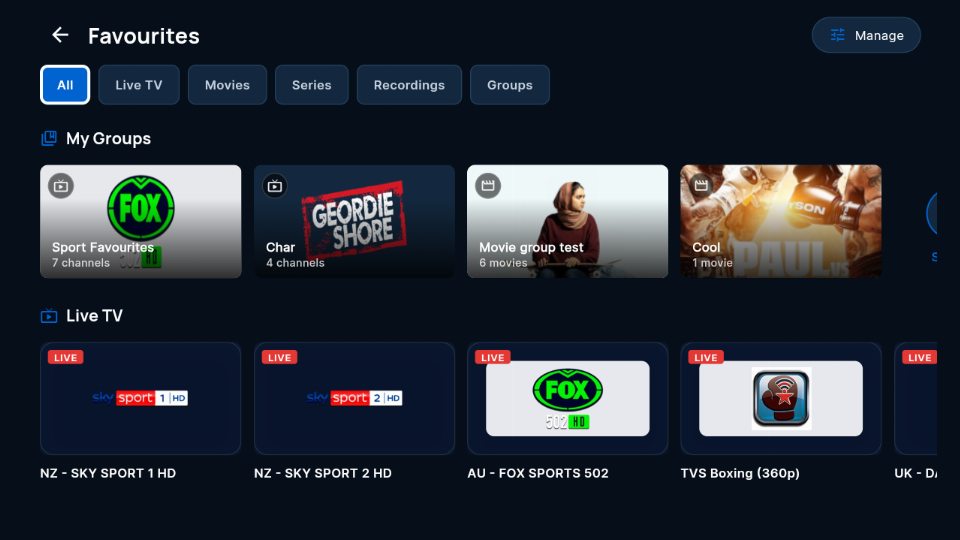
Pair your televisions once with a code and a PIN and they stop behaving like separate apps. Favourite a channel in the garage and it is already there in the lounge. Start a film in the bedroom and finish it in the office. Your favourite groups, My List, recently watched, and even the colour and name you gave a playlist follow you from room to room. Nothing to export, nothing to set up twice, and unlinking puts a device back on its own.
See who's watching before you take the line
Most providers allow one connection at a time, so switching on a second television quietly knocks the first one off — usually mid-match, with no warning. CobraTV Pro shows you which room is already using a line, in that playlist's own colour, before you press play. It will not even open a preview on a line someone else is using. Take it anyway if you want to — at least now it is a decision rather than a surprise.
Record it, or rewind it
Record live television as it happens, or set it from the guide days ahead. Instant replay jumps you back to the start of something you have already begun watching. It can record from two providers at once, and it keeps track of single-connection lines so a recording is not cut short by somebody in another room pressing play.
Built not to fall over
Streams come and go — the app keeps its cool. It recovers from stalls, remembers and hides titles that won't play so you're not clicking dead ends, and carefully manages heavy 4K so lower-powered TVs and sticks don't crash. The result is simply: press play, and it plays.
TV-first, phone-friendly
Designed for the remote from the ground up — clear focus highlights mean the D-pad always lands where you expect on Android TV, Google TV and Firestick. The very same app is just as smooth by touch on your phone and tablet.
So much more than a channel list
Every one of these is built in — no extra apps, no separate accounts, no ads. Open the app and it's all just there.
New additions land over time — the hub keeps growing.
Set up your TV from your phone
Sign in at cobratvnz.com/account by scanning the QR code on your TV. Hide what you never watch, pick your favourites, build your own groups and put channels in your order. Every TV on your account updates within about a minute.
Yours to set up, safe to use
Ready to try it?
Install CobraTV Pro, add your media, and the first 7 days are on us.